
Ergonomics For Employers
Course On Building An Ergonomics Program
Are You In Charge Of Ergonomics In Your Organization?
A well designed ergonomics program is a valuable resource. But, you may not have the tools you need to create or manage a program efficiently.
In this course we will show you step-by-step how to create the foundation of a great ergonomics program that will adjust and scale with your organization.
You will get tools for everything you need to be able to:
Identify ergonomic risk factors
Conduct a site assessment
Select chairs and desks
Create an equipment list
Identify good ergonomic training programs
Know when an evaluation is needed for an employee
Manage hybrid and remote employees
Stay compliant with OSHA, ADA, HIPAA and Workers Compensation
Get support from upper management for the program
and much more!
Take a closer look at what is included in each module:
Module 1: Ergonomic Risk
We start by teaching you about ergonomic risk factors. We will show you the most common risk factors we see in office (and home office) environments. Then, we show you how identify the overall ergonomic risk in your organization by conducting a site risk assessment.

-
The goal of ergonomics is to reduce the employees’ risk of injury or discomfort. Being able to identify ergonomic risk factors is the first step.
This module includes a copy of our Office Ergonomics Risk Factors Guide.
-
Because preventing injuries is a main goal of ergonomics, we teach you about what they are, how they develop, how they are different from other injuries and how to handle employees who report symptoms.
-
Take what you learned about ergonomic risk factors and apply them to your organization by conducting a site risk assessment.
You will get a copy of our Site Risk Assessment Form.
-
Once you have identified the ergonomic risks in your organization with the site assessment, you can set goals for the program.
We will provide an Ergonomics Goal Setting Worksheet that will help you set simple goals now and more complex goals as the program matures.

Module 2: Employee Training and Evaluations
Training and evaluations for employees are critical components of your ergonomics program and in this module, we show you what to look for, when to provide training, how to know who really needs an ergonomic evaluation and how to provide these things to remote and hybrid employees.
-
In this section, we talk about what topics should be covered in employee training. We will talk about different ways you can offer it, when to offer training and how to reach different types of employees.
You will get copies of our 10-point Checklist and Desk Stretches guides in this module.
-
Ergonomic training is great for teaching employees general principles that apply to almost everyone.
Ergonomic evaluations are used to address things that are different from person to person.
In this section, we talk about different types of evaluations, when to use them and what you should be getting from them.
You will also get a sample ergonomic evaluation form.
-
Providing training and evaluations onsite is one thing, but deciding what and how to provide them outside the office is very different.
We will discuss different ways to offer training and evaluations and how to make decisions about what to provide for home offices.
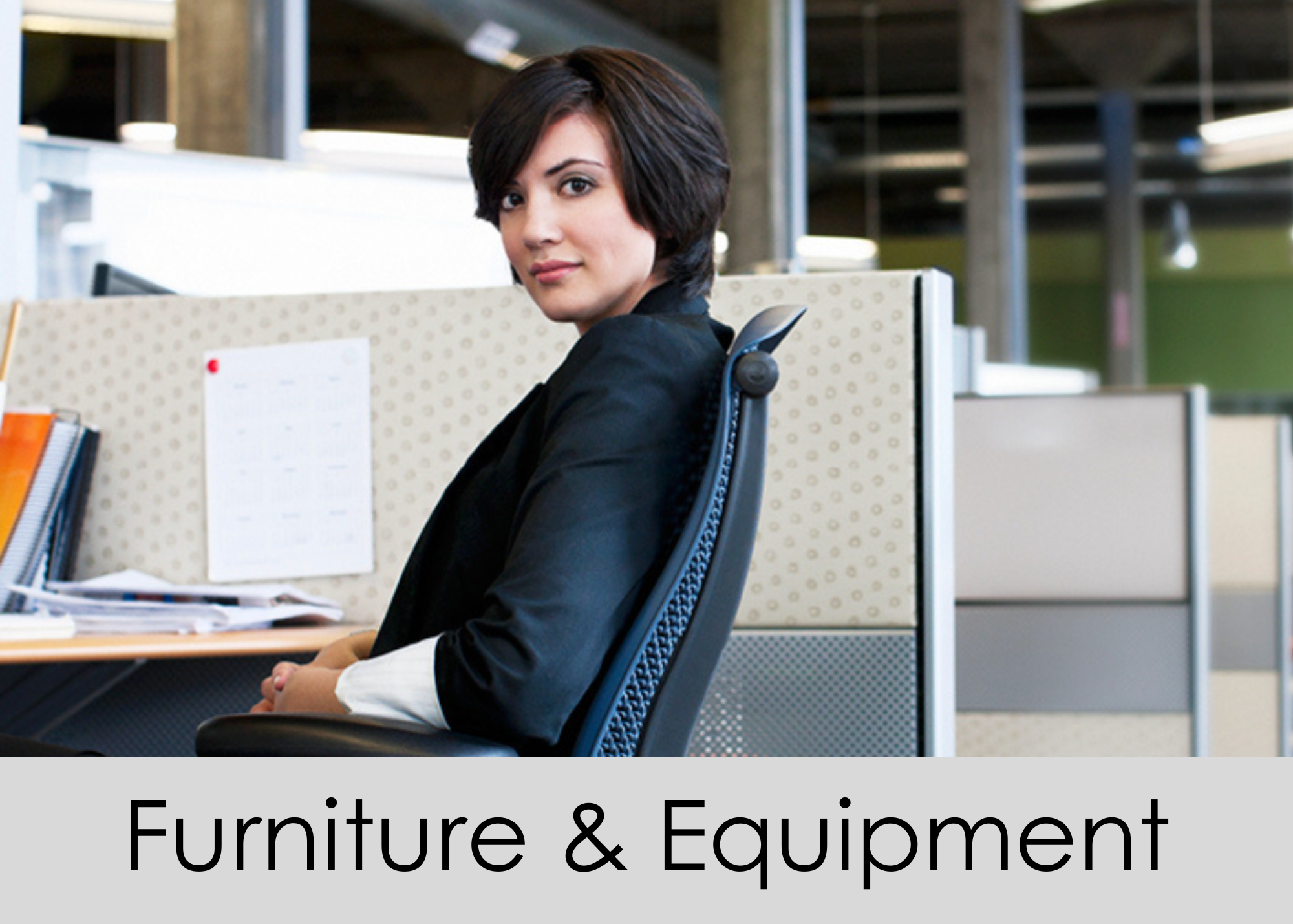
Module 3: Furniture and Equipment
As part of the ergonomics program, you may need to choose furniture and equipment for your site. We will show you how to select chairs and desks that will be adjustable for the needs of most people. We also show you what types of equipment may be needed to address the most common ergonomic problems so you can create a list of approved ergonomic accessories.
-
We will teach you how to select office chairs in this section. We show you what features are critical and which ones are nice to have and give you specific examples of ergonomically adjustable chairs in different price ranges.
We also teach you how to choose non-standard chairs that can be used for special circumstances.
You will get a copy of our Chair Selection Guide.
-
If you are shopping for desks for your site or need to identify a desk for special circumstances, we will show you exactly what to look for. What height should a desk be, what minimum size is recommended, pitfalls to avoid and more.
You will get a copy of our Desk Selection Guide.
-
Ergonomic equipment includes things like keyboards, mice, footrests, laptop stands, etc. Ergonomic evaluators use these things to solve ergonomics problems so it can be very helpful to have a list of equipment that you have approved ahead of time.
You will get our Approved Product List recommendations in this section.

Module 4: Compliance
There are a few compliance issues you should be aware of when managing an ergonomics program. We go over them in this section and show you how to incorporate safeguards into your program.
-
OSHA requires a workplace free from recognized hazards. Ergonomic risk factors are recognized hazards. We will show you how to acknowledge this in your ergonomics program.
-
There are things to be aware of when it comes to collecting and storing personal information as part of the ergonomics program. We will show you how to avoid common mistakes.
-
It is not uncommon for an ADA issue to arise while managing ergonomics. We will show you how to screen ergonomic requests for potential accommodations issues and make sure employees know how to make a request through the proper channels.
-
You will most likely encounter an employee with a potential work related injury. You will want to be able to direct them to the right reporting process. Even more importantly, someone with an injury or potential injury should be closely followed by ergonomics to ensure a speedy recovery.
Module 5: Implementation
Now that you have all this information, how do you put it to use? This module shows you how it all comes together. You will see how your policies and procedures are the keys to ergonomics success. We will show you how to demonstrate the value of your program to upper management so you get the support you need. We also show you step by step how to launch, monitor and update your program.
-
Who does the program serve? Who can have ergonomic evaluations? What equipment is available? What happens if someone asks for a different chair?
All of these questions are addressed with your policies and procedures.
You will get a fully customizable Ergonomics Program Policies and Procedures template.
-
You need support for the ergonomics program and nothing is more important than upper management seeing the value in what you do. We provide some suggested metrics, ROI data and even a presentation template in this section.
-
Taking it one step at a time, we will show you how to prepare for launching your ergonomics program.
-
You will want to review your program periodically to make sure its doing what you need it to do, running efficiently and is valuable to the organization. We show you what to look for, what metrics to collect and how to grow your program year after year.